
The brief
A modest budget works best when every part has a reason to be there. Decide whether gaming needs a dedicated graphics card before allocating the rest.
Who it is for: First-time builders, study, browsing and accessible 1080p gaming.
Where to spend
- A balanced CPU and motherboard platform with a clear upgrade path.
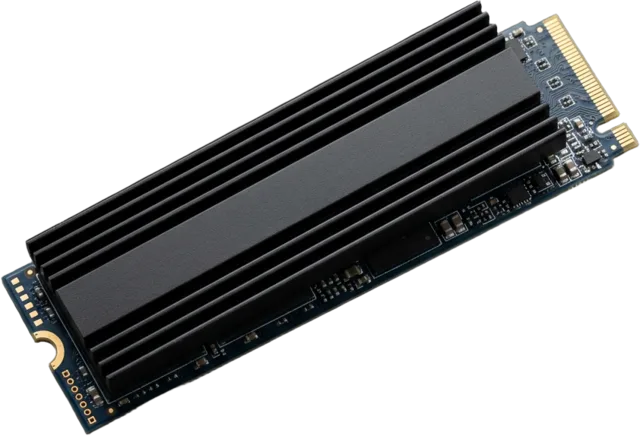
- Enough RAM for your actual multitasking and an SSD with room for the operating system and core apps.
- A dependable PSU; it protects the whole system.
Where to save
- Skip elaborate lighting and premium case materials.
- Do not buy an oversized cooler for a modest processor.
- Avoid extra cores or extreme memory speeds with no matching workload.
A sensible decision path
- Define the work first: office, study, light creation or gaming.
- If gaming is central, reserve meaningful room for the GPU and monitor.
- Check that the case and PSU leave practical upgrade room.
Keep in mind: At lower budgets, integrated graphics can be sensible for non-gaming use; dedicated graphics should be considered for demanding games.
Make it your own
These are allocation principles, not a fixed parts list or price quote. Check exact specifications and independent testing for the components you select, then use the category pages to explore stores.