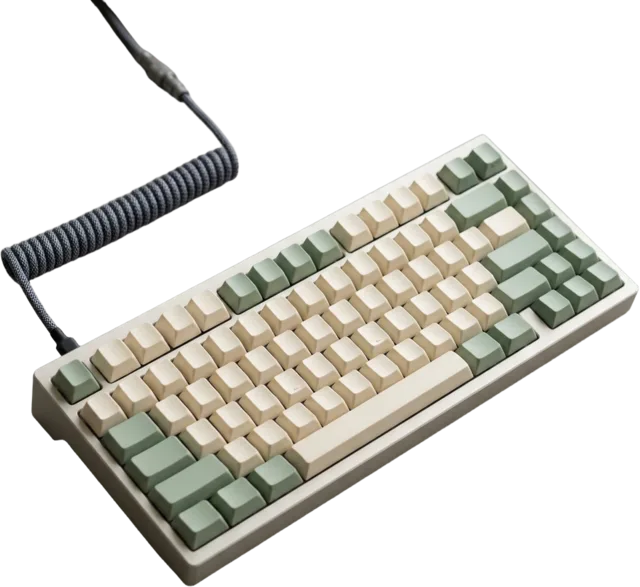
1TB vs 2TB SSD: How Much Storage Does a Gaming PC Need?
Add up your installed games, Windows, mods, recordings, and update space to choose between 1TB and 2TB without overspending.
Read the article
Straightforward reading on the decisions around your computer, from the first budget to the finishing touches.
33 of 33 articles

Add up your installed games, Windows, mods, recordings, and update space to choose between 1TB and 2TB without overspending.
Read the article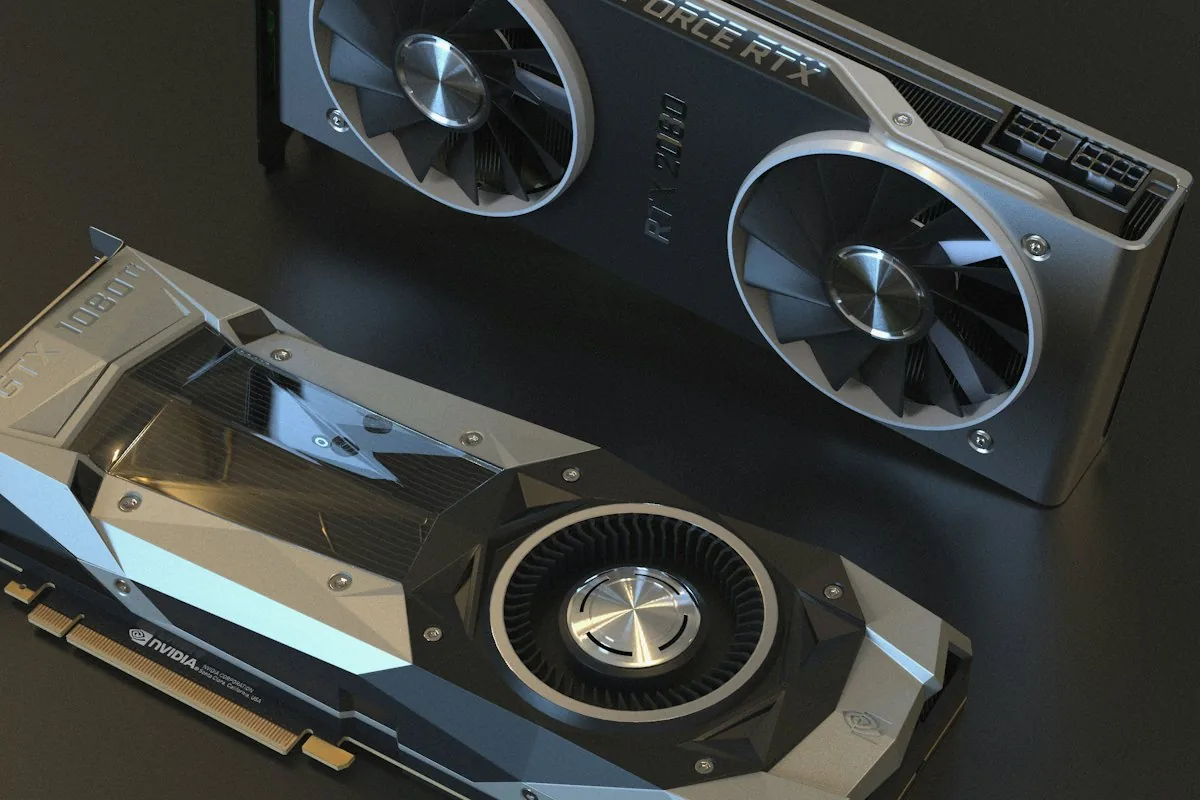
Compare the exact card’s dimensions with usable case space, then check radiator clearance, slot layout, power cables, and airflow.
Read the article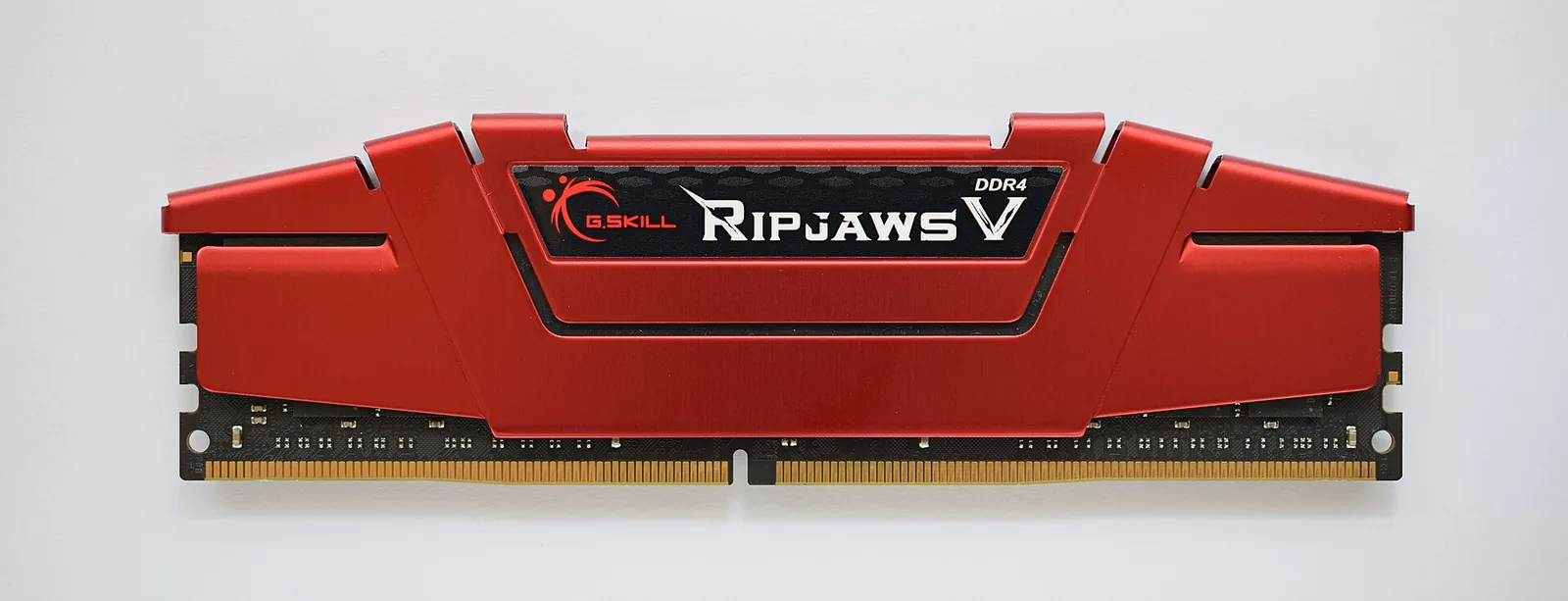
Check your actual memory data rate, understand MHz versus MT/s, enable the supported profile, and troubleshoot stability before blaming the kit.
Read the article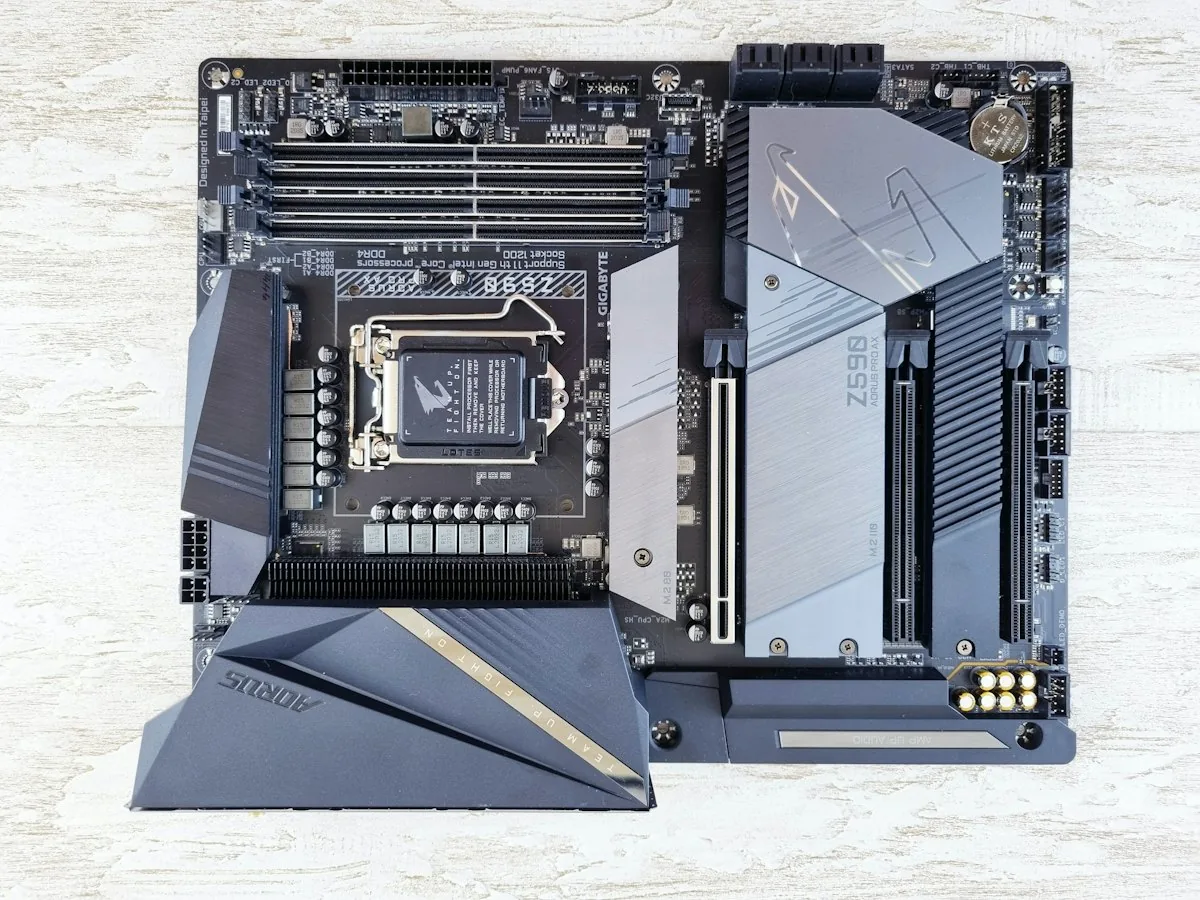
Start with your exact CPU, then check BIOS support, memory type, case fit, storage slots, power delivery, and the connections you will use.
Read the article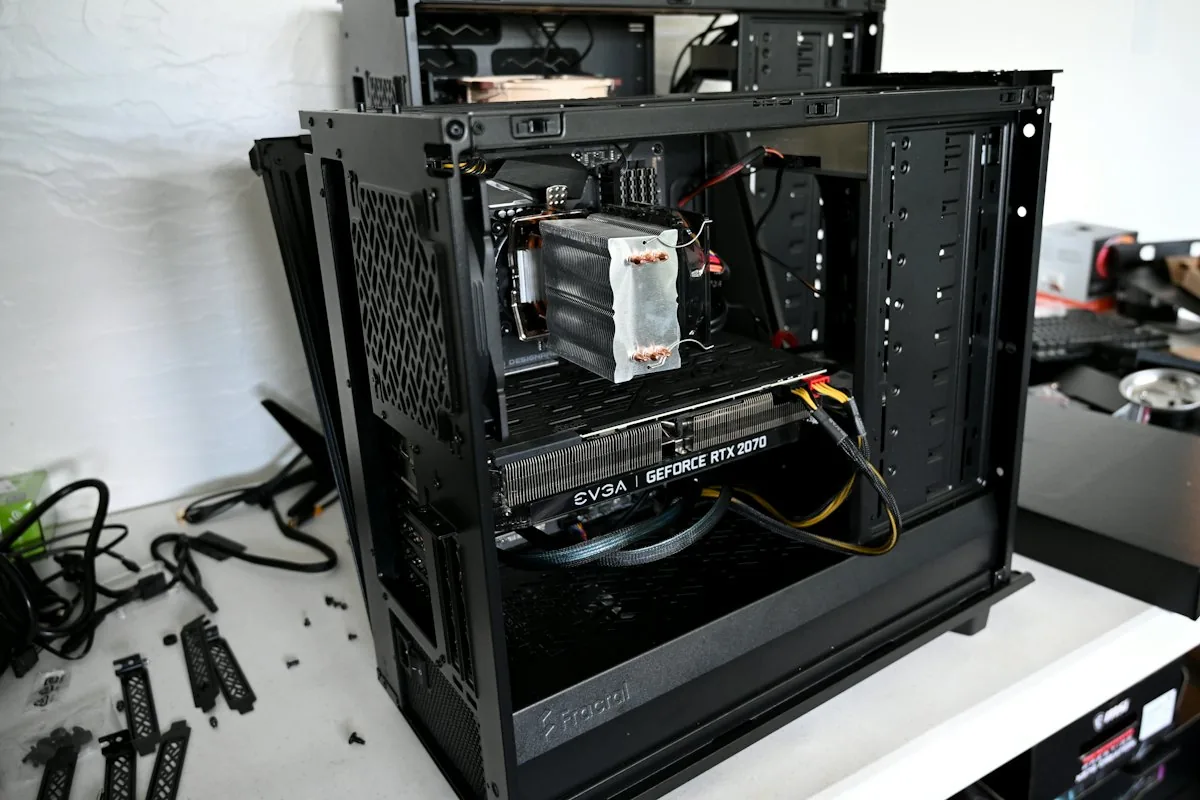
Start with the monitor input and correct video port, then use motherboard debug indicators to check memory, power, graphics, and CPU support.
Read the article
Compare chair fit, adjustments, materials, desk clearance, and return terms before choosing a seat for work and gaming.
Read the article
Choose an audio connection for your PC and consoles by comparing latency, microphone quality, comfort, compatibility, and charging needs.
Read the articleCheck CPU support and the exact board revision, prepare firmware and recovery keys, and choose the BIOS update method your motherboard supports.
Read the article
Compare panel technologies for motion, contrast, HDR, desktop text, room lighting, and warranty, then evaluate the exact monitor model.
Read the articleBalance pixel density, screen size, refresh rate, graphics-card performance, and total cost when choosing your monitor resolution.
Read the article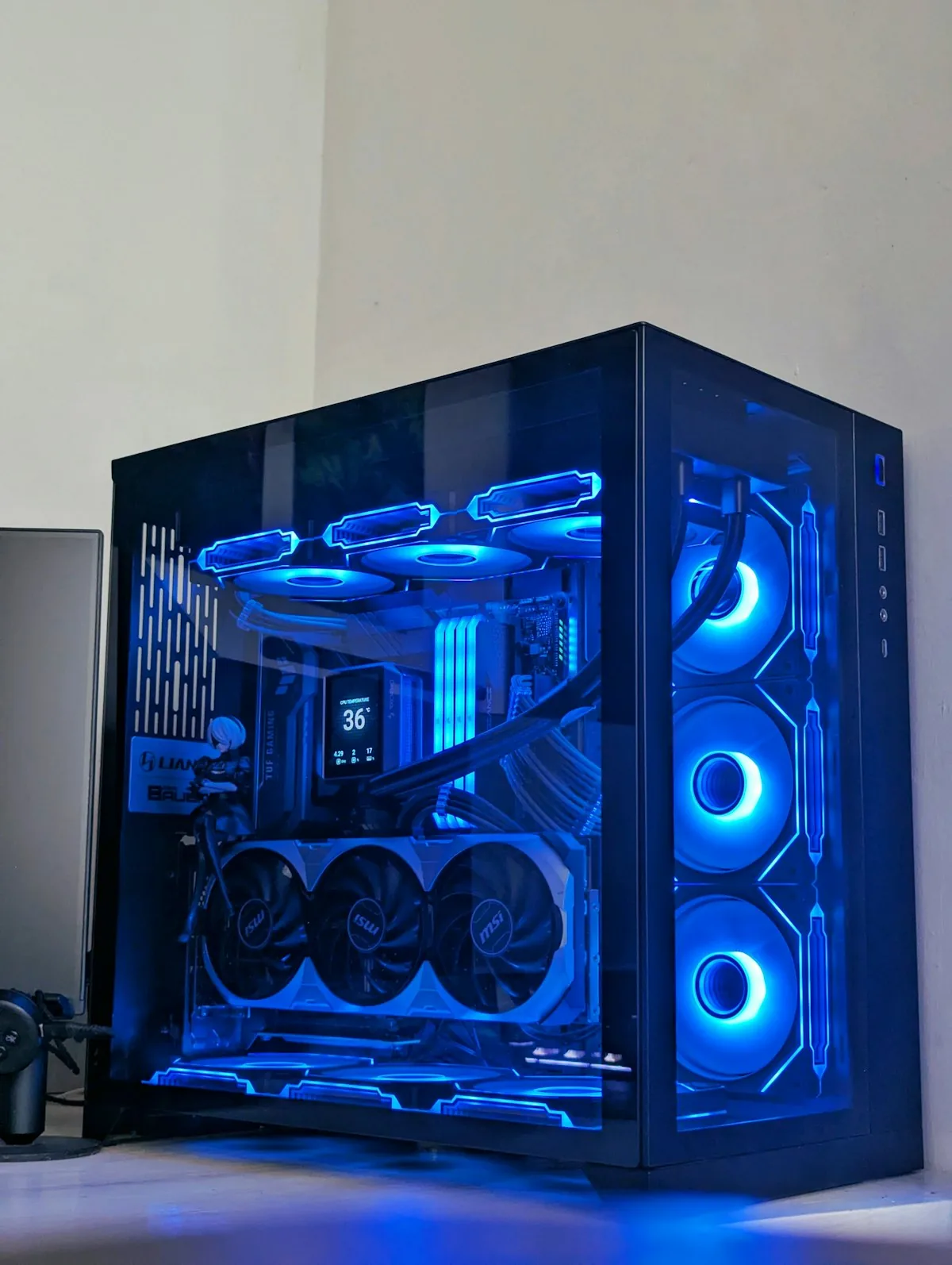
Reproduce the hitch, compare frame times and system metrics, and separate rendering stalls, memory pressure, cooling issues, and network lag.
Read the articleCheck a secondhand graphics card’s condition, compatibility, testing, warranty, and total price before you pay.
Read the articleUse repeatable tests, frame times, component load, and temperatures to find what limits your games before buying an upgrade.
Read the article
Compare refresh-rate targets for PC monitors and gaming TVs, including console limits, supported inputs, and motion-marketing claims.
Read the article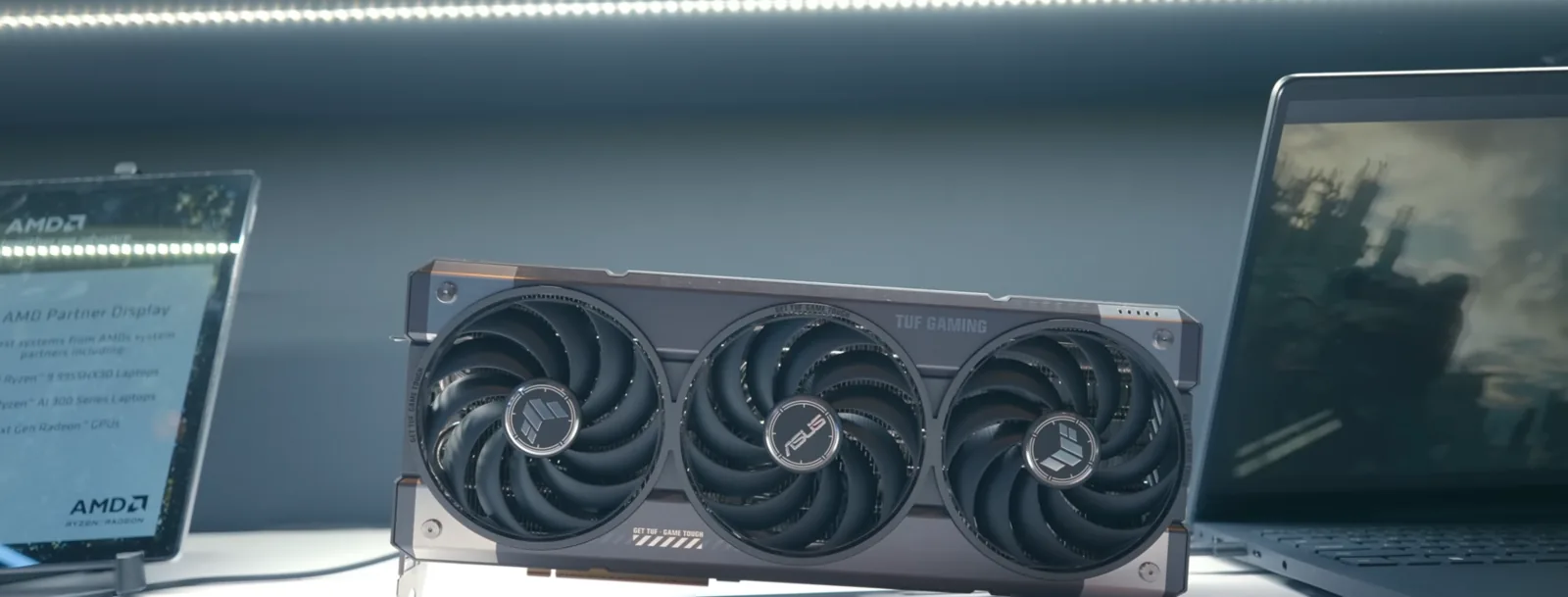
Weigh better lighting and reflections against FPS, responsiveness, and the GPU requirements of your favorite games.
Read the articleUnderstand refresh-rate differences, the frames you need, and why motion quality matters more than the Hz label alone.
Read the articleCompare complete costs, hidden component choices, warranties, and upgrade flexibility before you build or buy.
Read the article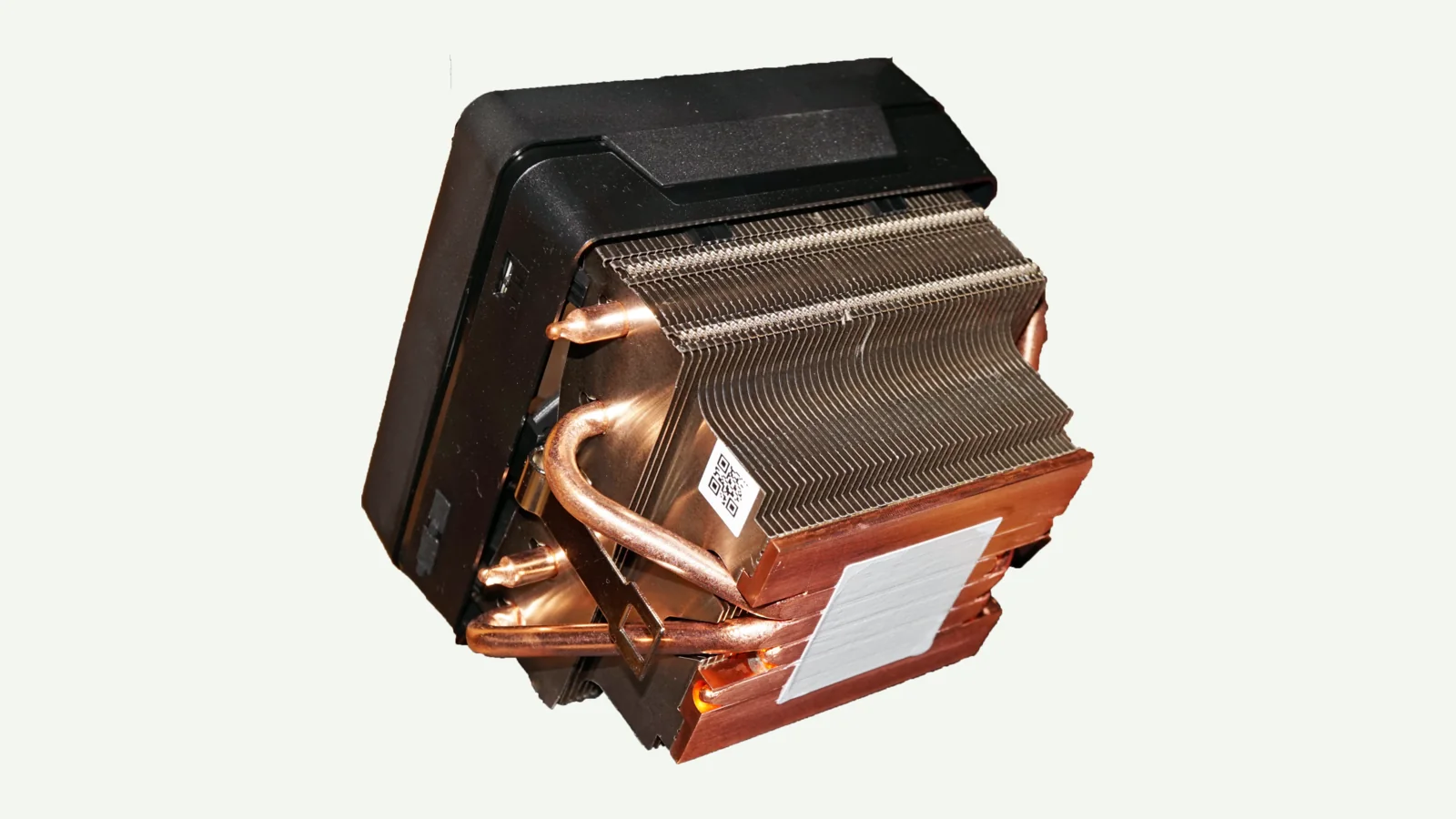
Choose an air cooler or AIO from your CPU workload, noise target, case clearance, and maintenance needs.
Read the articleCompare TVs and monitors for PC and console gaming, from viewing distance and HDR to text clarity and connections.
Read the articleSeparate rumors from confirmed details about these unannounced GPU names, and learn what to check before planning an upgrade.
Read the articleDiagnose what is slowing your PC down, then decide whether to upgrade storage, memory, graphics, or the whole platform.
Read the article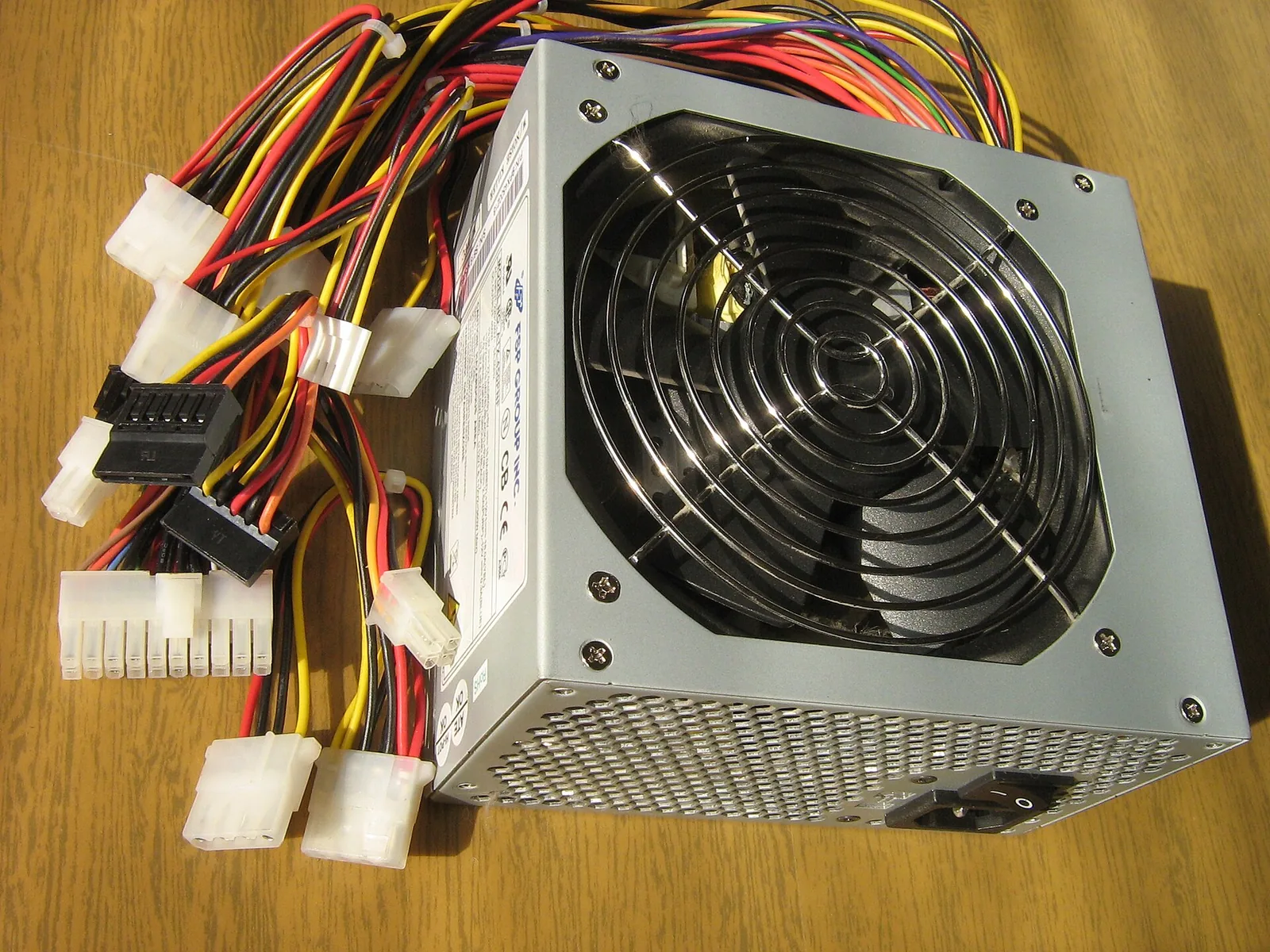
Choose PSU capacity from your actual GPU, CPU, connectors, and upgrade plans—not just the screen resolution.
Read the articleCompare monitors and TVs for desk and couch gaming, including refresh rate, VRR, input lag, and connections.
Read the articleUnderstand video memory, compare 8 GB, 12 GB, and 16 GB, and spot when VRAM is limiting your games.
Read the articleCompare gaming performance, creator workloads, power requirements, and dated price snapshots for these two 16 GB GPUs.
Read the articleCapacity, NVMe, PCIe generations and cooling: find the SSD that makes sense for your games.
Read the articleCompare 8GB, 16GB, 32GB and 64GB for gaming, multitasking and creative work.
Read the articleChoose a GPU for your monitor and games, then check VRAM, benchmarks, power and fit.
Read the articleA complete checklist to verify that every part of your PC build fits and works together.
Read the article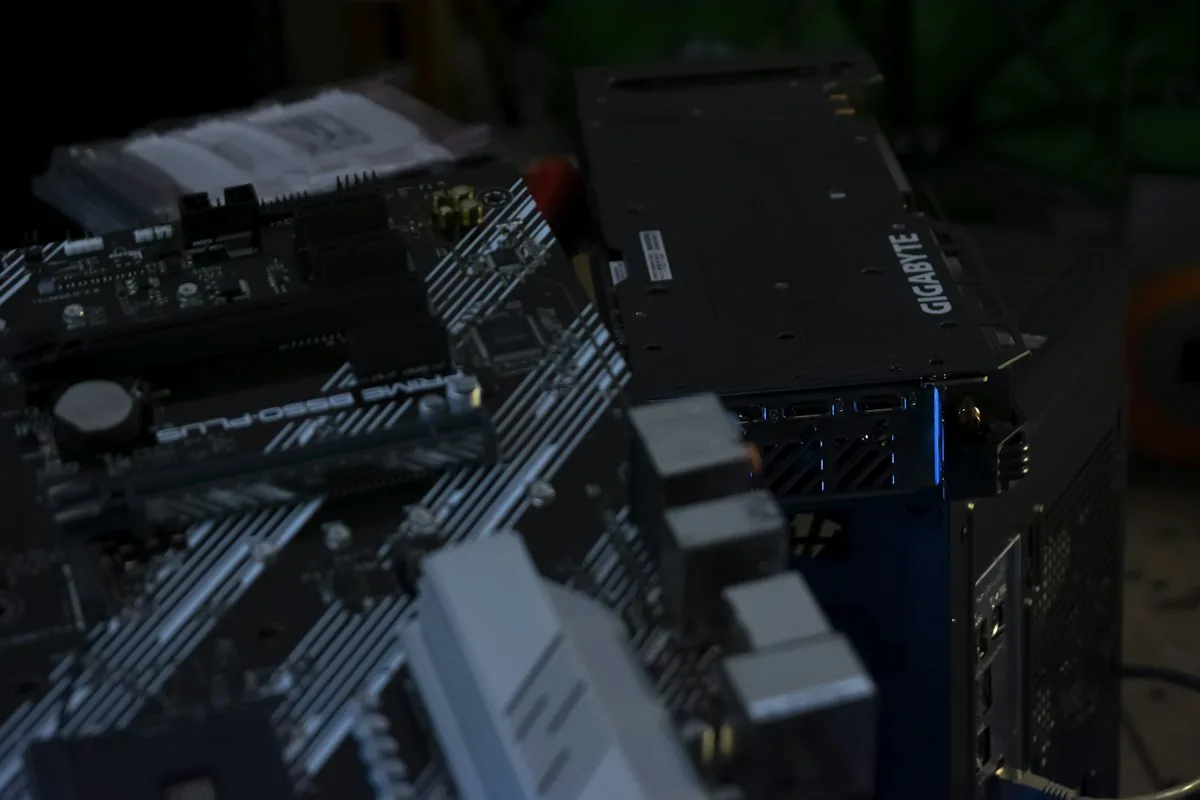
Build a balanced gaming PC without paying extra for specifications you will not use.
Read the articleStart with the work you do, protect the essentials, and leave room for the parts that matter most.
Read the articleA complete PC can be convenient. Here is how to look beyond its headline processor and graphics card.
Read the articleMake room for your monitor, your mouse and your body before choosing a desk by appearance.
Read the article